Trigonometric functions
Calculate sine, cosine and tangent with sin(), cos() and tan(). Inverse trigonometric functions are available through asin(), acos() and atan(). Select DEG for degrees or RAD for radians before evaluating angles.
Izračunajte trigonometrijske funkcije, logaritme, stepene, korijene, faktorijele i složene matematičke izraze.
This calculator evaluates expressions locally in your browser. Factorials are supported for non-negative integers. Trigonometric functions use the selected angle mode. Very large values may exceed JavaScript's numeric precision.
A scientific calculator is designed for mathematical operations that go beyond basic addition, subtraction, multiplication and division. This free online scientific calculator includes tools for trigonometry, logarithms, exponents, roots, factorials and mathematical constants. It works in a modern web browser on desktop, tablet and mobile devices.
Use the expression field to type a complete calculation or select the on-screen keys. The calculator displays the evaluated result and keeps a short calculation history so you can revisit previous expressions. Choose degrees or radians depending on the angle unit required by your problem.
When a problem needs more than a numerical evaluation, use the AI-powered equation solving tool to explore equations and review a step-by-step explanation. For focused fraction and percentage work, try the fraction operations tool or calculate increases, decreases and discounts with the online percentage tool.
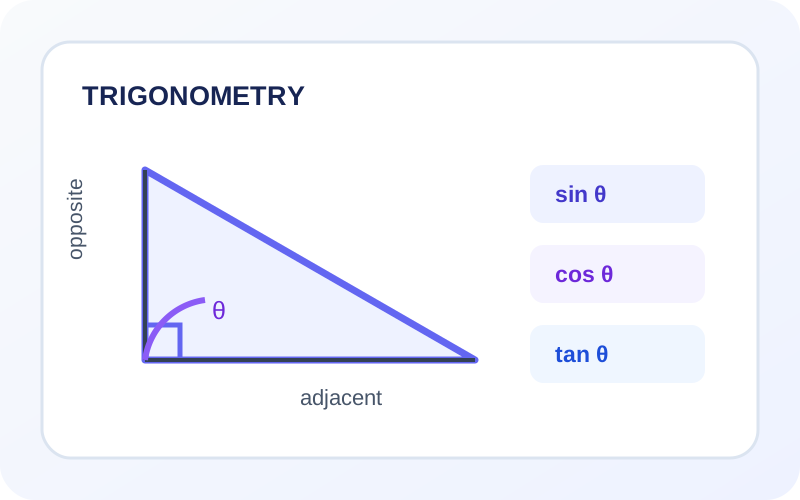
Use the available functions for common scientific and classroom calculations.
Calculate sine, cosine and tangent with sin(), cos() and tan(). Inverse trigonometric functions are available through asin(), acos() and atan(). Select DEG for degrees or RAD for radians before evaluating angles.
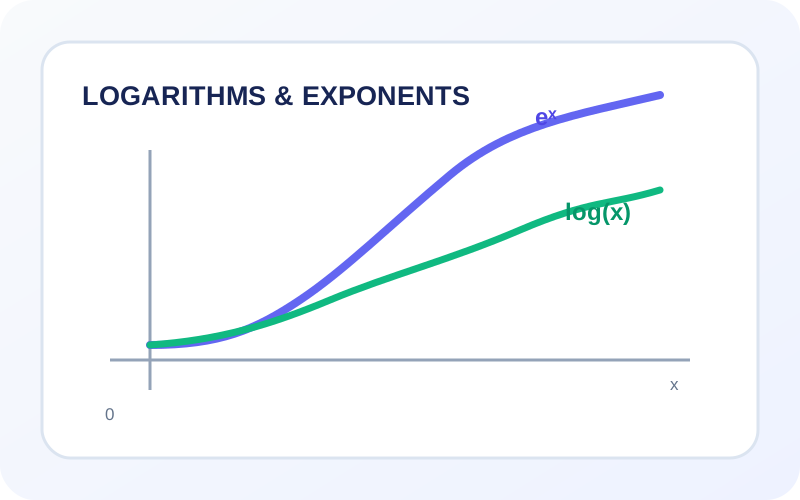
Use log() for the base-10 logarithm, log10() for an explicit base-10 logarithm, ln() for the natural logarithm and exp() for the exponential function e raised to a value.
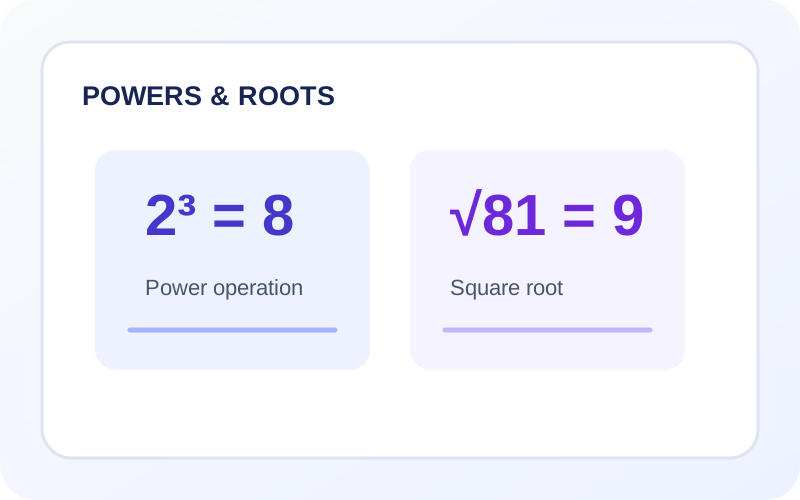
Use the exponent operator ^ to raise a number to a power. The sqrt() function calculates a square root, while cbrt() calculates a cube root. For example, 2^3 returns 8 and sqrt(81) returns 9.
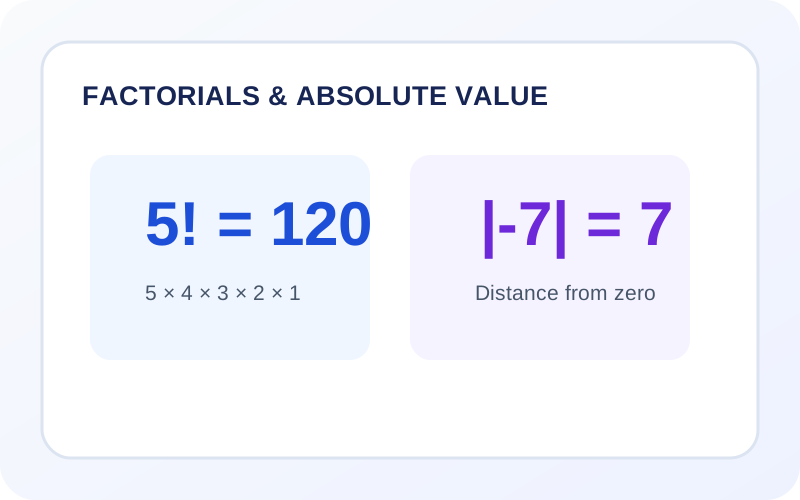
The factorial operator ! calculates the product of positive integers up to a non-negative whole number, such as 5! = 120. The abs() function returns the non-negative magnitude of a value.
Use sinh(), cosh() and tanh() for hyperbolic functions. The floor() function rounds down to an integer, while ceil() rounds up to an integer.
Use pi or π for the circle constant and e for Euler's number. Ans recalls the most recently calculated answer, helping you use a previous result in a new expression.
Type an expression into the display or use the calculator buttons. You can combine numbers, operators, constants and supported functions.
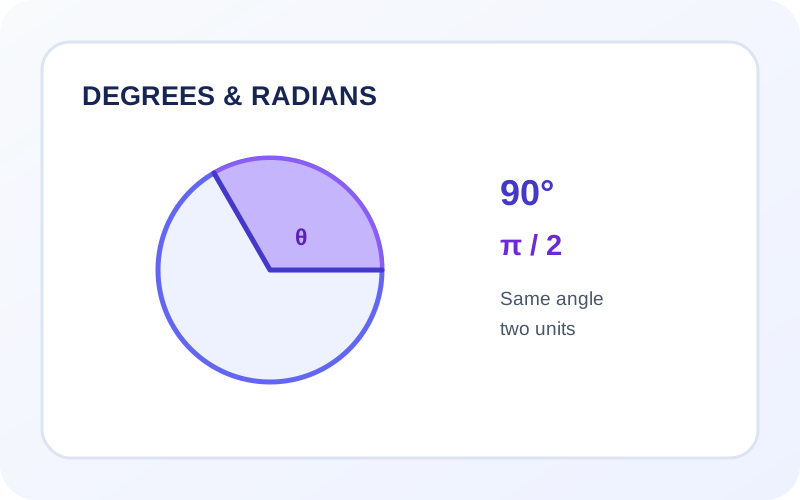
Choose DEG when your angle is measured in degrees, or RAD when it is measured in radians. This setting affects trigonometric and inverse trigonometric functions.
Press the equals button or Enter on your keyboard. The calculator evaluates the expression and displays the answer below the input.
Copy the displayed result, use Ans in another expression, or open the calculation history to restore an earlier expression.
A scientific calculator is a calculator that supports advanced mathematical functions such as trigonometry, logarithms, exponents, roots and factorials in addition to basic arithmetic.
Yes. You can use the calculator in your browser without creating an account or installing a separate application.
DEG means degrees and RAD means radians. They are two different units for measuring angles. Choose the unit used in your question before calculating trigonometric functions.
Enter sin(angle), cos(angle) or tan(angle), then press equals. Make sure the selected degree or radian mode matches the angle unit in your problem.
Use log(value) for a base-10 logarithm or ln(value) for a natural logarithm. The input must be greater than zero.
Yes. Use ^ for powers, such as 4^3, and sqrt(value) for square roots. The cube root function is available as cbrt(value).
The calculation history stores recent expressions during the current page session. Use Ans to insert the previous calculated answer into a new expression.
Yes. The interface adjusts to smaller screens, and the calculator buttons can be used on touchscreen devices.
Enter a mathematical expression above to calculate trigonometric functions, logarithms, powers, roots and more. Select the correct angle mode and review the result.
Open calculator ↑Before entering a trigonometric expression, check whether the problem uses degrees or radians. A right angle is 90 degrees or π/2 radians. The same angle must be represented in the correct mode or the sine, cosine and tangent results will not match the expected answer.
For 3² + √16, evaluate the exponent and square root before addition. Three squared is 9, and the square root of 16 is 4. The final value is 13. This illustrates why grouping and operation priority matter when entering a complete expression.
A logarithm answers the question: to what power must a base be raised to produce a given number? For example, log base 10 of 1,000 is 3 because 10³ = 1,000. Logarithms are useful in science, sound measurement, pH calculations and exponential models. For everyday fractional work, use the fraction arithmetic calculator; for percentage-based comparisons, use the percentage calculator.
For a proportion problem, the ratio and sharing calculator is more direct than building a long expression. If you need a guided explanation of an unfamiliar equation, open the AI equation-solving assistant.