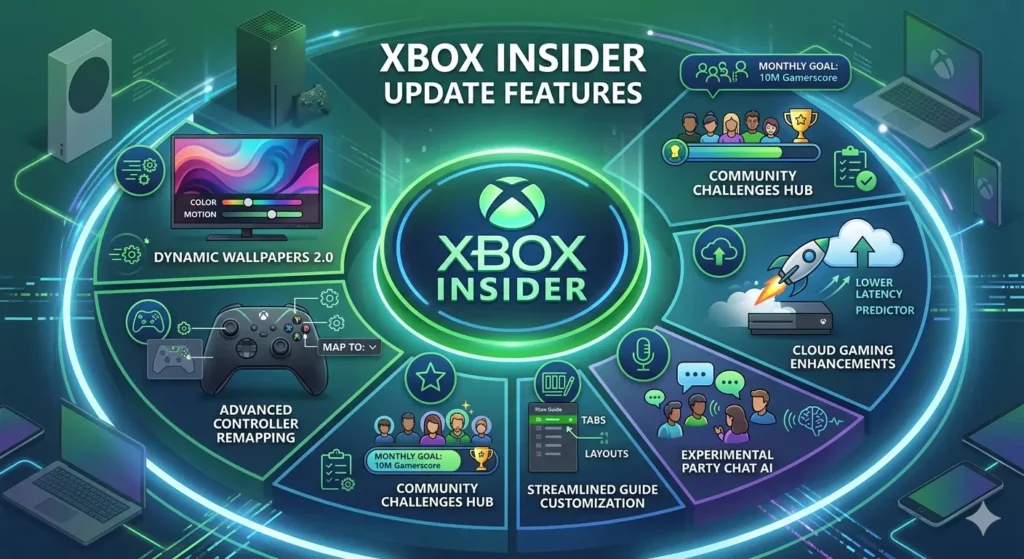
After weeks of testing, Microsoft is rolling out the June 2026 system update. As a result, Xbox players can now access several highly requested features. Moreover, the update improves personalization, cloud gaming, and game library management.
The new Xbox Insider update features include tiered Gamerscore badges, hex color customization, cloud gaming on the PC app, and real-time service status indicators. Furthermore, Microsoft has introduced several quality-of-life improvements throughout the dashboard.
This guide covers every major change now available on your console.
For more on upcoming Xbox games, check out our New Xbox Game Pass Games Guide.
A Refreshed Boot Animation
One of the first enhancements is a refreshed startup sequence.
Previously, the Xbox boot animation remained mostly unchanged. However, Microsoft has now introduced a new animation and sound effect highlighting the iconic green Xbox logo.
As a result, the console feels more modern from the moment it powers on.
Furthermore, the new startup sequence creates a more polished experience across the Xbox ecosystem.
For more performance tips, see our Gaming Performance Guide.
Tiered Gamerscore Badges – Showcase Your Journey
One of the most requested updates is finally available.
Instead of displaying only a Gamerscore number, Xbox now rewards milestone achievements with visual badge tiers.
Gamerscore Badge Levels
| Gamerscore | Badge Tier |
|---|---|
| 10,000 | Bronze |
| 50,000 | Silver |
| 100,000 | Gold |
| 250,000 | Platinum |
| 500,000 | Diamond |
| 1,000,000+ | Legendary |
As your score grows, your badge automatically evolves.
Consequently, longtime players receive a new way to showcase achievements.
Moreover, the system adds more personality to Xbox profiles.
Smarter Game Library Filters
Managing large game libraries can be frustrating.
Therefore, Microsoft introduced several new filtering options.
For example, players can separate owned games from shared titles.
Additionally, users can identify inaccessible installed titles much faster.
Meanwhile, Game Pass subscribers can quickly see which games belong to subscription services.
As a result, library management becomes significantly easier.
For a subscription comparison, see our PS Plus June 2026 vs Game Pass guide.
Hex Color Personalization
Personalization receives one of the biggest upgrades in this update.
Previously, players could only select from preset color choices.
Now, however, Xbox allows users to enter exact hex color codes.
Furthermore, players can automatically match dashboard colors to their gamerpic.
Consequently, customization becomes much more flexible.
As a result, every dashboard can feel unique.
For optimization advice across platforms, see our PS5 Optimization Guide.
Controller Images in Accessories App
The Xbox Accessories app now displays an image of your connected controller.
As a result, players can identify devices more easily before changing settings.
Furthermore, users with multiple controllers benefit from better organization.
Meanwhile, Elite Series 2 owners can confirm device selection instantly.
Therefore, accessory management becomes more convenient.
Release Notes on Home Screen
Accessing update information is now much simpler.
Previously, many users searched online for patch notes.
Now, however, Xbox places release notes directly on the Home screen.
Furthermore, Xbox Insiders see notes specific to their preview ring.
As a result, users stay informed without leaving the console.
Real-Time Service Status Alerts
Diagnosing connection issues can often be frustrating.
Therefore, Microsoft introduced a real-time service status indicator.
Whenever Xbox detects a confirmed outage, the system displays a notification automatically.
Additionally, players can jump directly to the official status page.
Consequently, users spend less time troubleshooting problems.
As a result, they can quickly determine whether the issue originates from Xbox services.
Cloud Gaming on Xbox PC App
One of the biggest additions is cloud gaming expansion.
Previously, some experiences remained limited to specific platforms.
Now, however, Game Pass Ultimate subscribers can stream eligible owned games directly through the Xbox PC app.
Furthermore, players can access console-only titles without installing them locally.
Consequently, gaming becomes more flexible.
Moreover, cloud gaming reduces storage requirements on many systems.
For more Xbox news, see our Xbox Games Showcase 2026 Recap.
Full Changelog – Key Enhancements
| Feature | Description |
|---|---|
| New Boot Animation | Updated startup sequence |
| Tiered Gamerscore Badges | Progress-based profile badges |
| Library Filters | Separate owned vs shared games |
| Hex Color Support | Custom hex codes or match gamerpic |
| Controller Images | See connected controller |
| Release Notes Access | View notes from Home screen |
| Service Status Alerts | On-screen outage notifications |
| Cloud Gaming Expansion | Stream owned games on PC app |
How to Get the Update
Fortunately, installing the update is straightforward.
First, press the Xbox button.
Next, open Profile & System.
Afterward, select Settings.
Then choose System and Updates.
Finally, select Update Console.
As a result, your Xbox will download the latest version if it is available.
Frequently Asked Questions
Do I need to be an Xbox Insider?
No. These features originally appeared in Insider builds. However, Microsoft is now rolling them out to all users.
Is cloud gaming available on consoles?
Yes. However, this update specifically expands streaming support on the Xbox PC app.
Can I revert to the old dashboard?
No. Nevertheless, you can extensively customize colors and appearance settings.
Will this update improve gaming performance?
No. Instead, Microsoft focused on interface improvements and quality-of-life features.
Where can I report bugs?
Use the Report a Problem application on your Xbox console.
Final Thoughts
Overall, the latest Xbox update makes the dashboard more personal, informative, and easier to navigate.
On one hand, Gamerscore badges reward dedicated players. On the other hand, hex color customization gives every console a unique appearance.
Furthermore, smarter game library filters improve usability.
Meanwhile, cloud gaming expansion provides additional flexibility.
Therefore, this update delivers meaningful improvements across the Xbox ecosystem.
Ultimately, Xbox continues responding to community feedback while improving the overall user experience.

