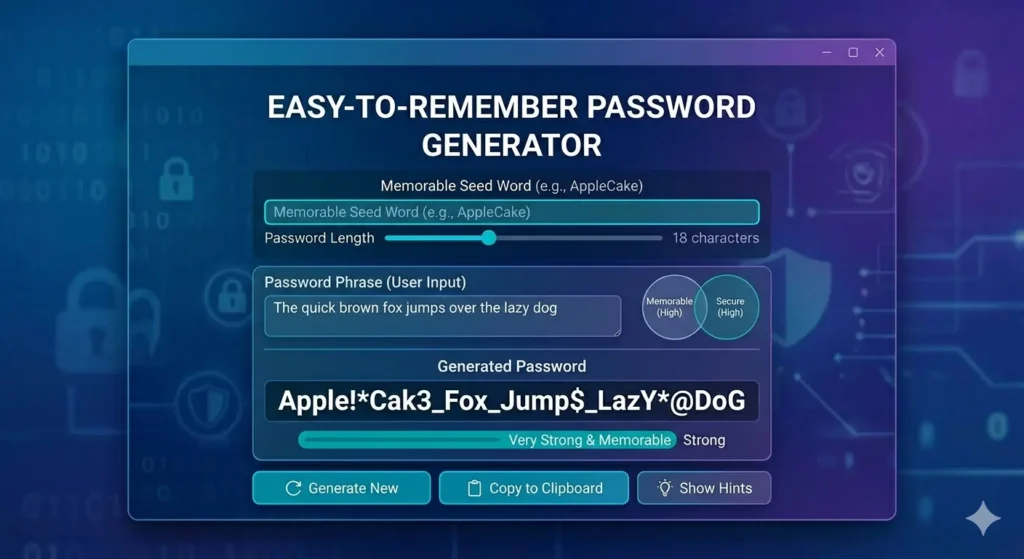
Try a Strong Password Generator
Many people want passwords that are easy to type, easy to remember, and still secure. As a result, searches for an Easy to Remember Password Generator have become increasingly popular.
While complex random passwords provide excellent security, they can sometimes be difficult to remember without a password manager. Therefore, many users look for a balance between convenience and security. Furthermore, they want passwords that remain practical for everyday use.
If you need strong passwords for important accounts, try our free Easy Password Creator to generate secure passwords quickly.
What Is an Easy to Remember Password Generator?
An Easy to Remember Password Generator creates passwords that are simpler to read, type, and remember.
Typically, these passwords:
- Avoid confusing characters
- Use readable words
- Reduce symbol usage
- Eliminate similar-looking letters and numbers
For example:
Hard to remember:
Q8#Lm2!Tz7@Np4Xw
Easy to remember:
RiverCoffeeMountain2026
Although the second example is easier to remember, it can still be reasonably secure when it is long enough.
Why People Use an Easy to Remember Password Generator
Today, many users struggle to remember dozens of passwords. Consequently, they often reuse passwords across multiple accounts. Unfortunately, this practice can increase security risks.
Therefore, an Easy to Remember Password Generator helps users create passwords that are:
- Easier to recall
- Faster to type
- More user-friendly
- Suitable for everyday accounts
Moreover, memorable passwords can reduce frustration when logging into frequently used services.
Easy to Remember Password Generator vs Random Password Generator
An Easy to Remember Password Generator focuses on usability.
Meanwhile, a random password generator focuses primarily on security.
For example:
Easy password:
CoffeeRiverSunset2026
Random password:
Q8#Lm2!Tz7@Np4Xw
The random version is generally stronger. However, the memorable version may be easier for some users to manage.
For maximum security, you can generate strong passwords using our Easy Password Creator and store them in a password manager.
Are Easy-to-Remember Passwords Safe?
The answer depends on how they are created.
A memorable password can be secure when:
- It is long
- It is unique
- It avoids personal information
- It uses multiple unrelated words
However, passwords based on names, birthdays, and favorite teams remain risky. Therefore, security experts generally recommend avoiding personal details whenever possible.
For example:
Weak:
John1995
Stronger:
ForestCoffeeRiver2026
As a result, password length becomes especially important when using memorable passwords.
Best Practices for an Easy to Remember Password Generator
Use Multiple Unrelated Words
Combining unrelated words creates stronger passwords.
Examples include:
- River Coffee Mountain
- Forest Sunset Ocean
- Galaxy Lemon Bicycle
Consequently, attackers have a harder time predicting the password.
Avoid Personal Information
Never include:
- Your name
- Birth year
- Phone number
- Address
- Pet name
Instead, choose words that have no connection to your personal life.
Increase Password Length
Longer passwords are generally safer.
Many experts recommend:
- 16 characters minimum
- 18 characters preferred
- 24+ characters for critical accounts
Furthermore, longer passwords can often compensate for reduced complexity.
Easy to Remember Password Generator for Everyday Accounts
Many users prefer memorable passwords for:
- School accounts
- Forum accounts
- Streaming services
- Shopping websites
However, highly sensitive accounts such as banking and email should ideally use fully random passwords.
Therefore, account importance should influence your password strategy.
If you are looking for maximum protection, consider using our Strong Password Generator guide for additional security recommendations.
Password Managers and Memorable Passwords
Password managers make password security much easier. In addition, they allow you to use stronger passwords without needing to remember each one.
As a result, many users combine memorable passwords for less important accounts and random passwords for critical services.
Similarly, password managers help organize hundreds of passwords while reducing the temptation to reuse them.
Frequently Asked Questions About Easy to Remember Password Generator
What is an Easy to Remember Password Generator?
It is a tool that creates passwords designed to be easier to read, type, and remember.
Are memorable passwords secure?
They can be secure when they are long, unique, and do not contain personal information.
Is a random password stronger?
Yes. Random passwords are generally harder to guess than memorable passwords.
How long should a memorable password be?
Most security experts recommend at least 16 characters.
Should I use a password manager?
Yes. Password managers help store strong passwords securely and reduce the need to remember them all.
Final Thoughts
Ultimately, an Easy to Remember Password Generator can help users create passwords that balance convenience and security. Nevertheless, password length and uniqueness remain essential for protection.
If you need stronger password options, use our free Easy Password Creator to generate secure passwords instantly.
Additionally, learn more about secure password creation in our Strong Password Generator guide and discover why using a Password Generator With Name may not be the safest choice.