Physical Address
304 North Cardinal St.
Dorchester Center, MA 02124
Physical Address
304 North Cardinal St.
Dorchester Center, MA 02124
Gadgets & Lifestyle for Everyone
Gadgets & Lifestyle for Everyone
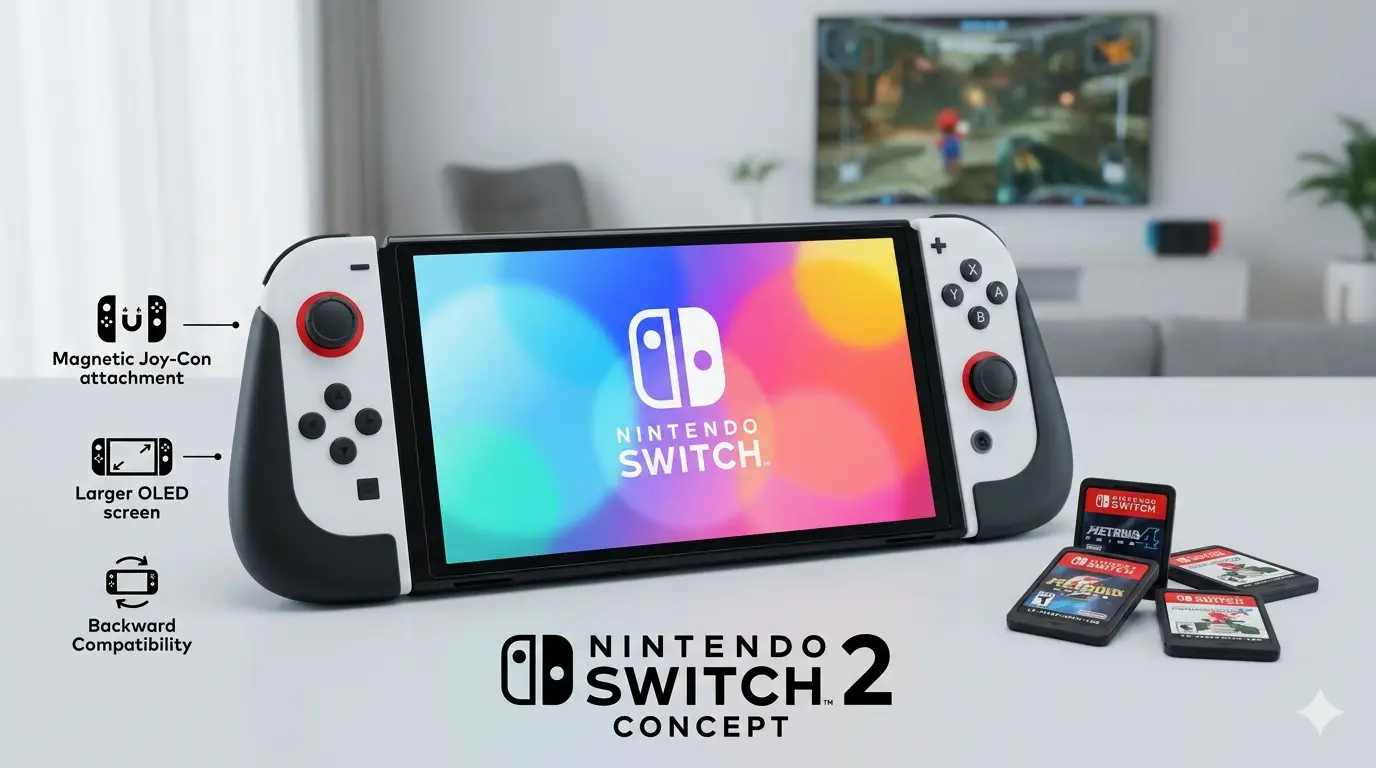
A new Switch 2 system update released yesterday introduces a partial solution for a specific backward-compatibility problem. Version 22.0.0 of the Switch’s software includes an optional feature called “Handheld Mode Boost” that lets original Switch games run at higher resolutions while playing on the Switch 2’s built-in screen .
| Detail | Information |
|---|---|
| Feature | Handheld Mode Boost |
| Software Version | 22.0.0 |
| Function | Runs Switch games at docked settings in handheld mode |
| Resolution | Up to 1080p (from original 720p) |
| Tested Games | Mario Kart 8 Deluxe, Dragon Quest XI S |
| Availability | System settings → “Nintendo Switch Software Handling” |
The Nintendo Switch 2 is backward-compatible with original Switch games, but there was a visual catch:
Without adjustment, unpatched Switch games running in handheld mode would render at 720p, then get stretched to fit the higher-resolution display—resulting in a softer, blurrier image .
When docked, both consoles output at 1080p, so there was no quality loss for unpatched games. The issue was specific to handheld play .
Users can activate Handheld Mode Boost by:
Once enabled, the Switch 2 attempts to run original Switch games using the same settings they would use while docked—even when the console is in handheld mode .
Testing on unpatched Switch games showed expected improvements:
Running games at higher settings increases power usage, which reduces battery life .
The Switch 2 still captures screenshots of original Switch games at 720p in handheld mode, making it difficult to demonstrate the feature’s visual improvement .
| Game Type | Affected by Handheld Mode Boost |
|---|---|
| Unpatched Switch games | ✅ Yes |
| Switch games with developer patches | ❌ No (already enhanced) |
| Switch 2 games | ❌ No (already run at native 1080p) |
| Nintendo Switch 2 Edition upgrades | ❌ No (paid upgrades have own optimizations) |
Nintendo points out the potential downsides clearly in the update documentation, ensuring users understand the trade-offs before enabling the feature .
| Takeaway | Details |
|---|---|
| Problem Solved | Blurry 720p games on 1080p handheld screen |
| Solution | Run games at docked settings in handheld mode |
| Visual Improvement | Sharper graphics, better textures, improved draw distance |
| Trade-offs | Reduced battery life, touchscreen disabled, controller changes |
| Availability | System update 22.0.0 (optional setting) |