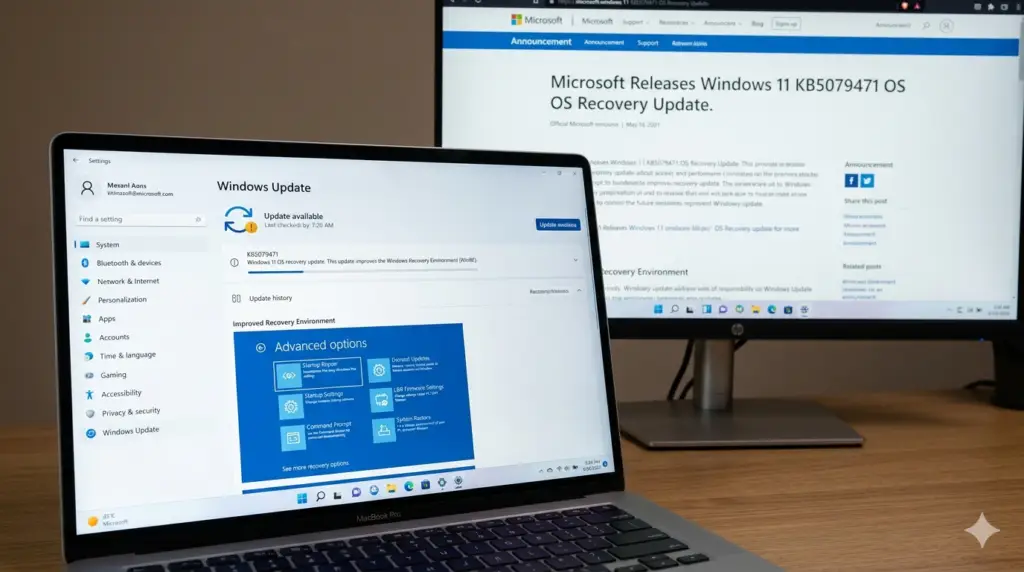
Microsoft has rolled out new dynamic updates for Windows 11, targeting versions 26H1, 25H2, and 24H2 under KB5079463 and KB5079471. These updates focus on improving the Windows Recovery Environment (WinRE), ensuring more reliable system recovery when issues arise .
Quick Overview
What Are Dynamic Updates?
Dynamic updates bring improvements to the Windows recovery process through Windows Recovery Environment (WinRE) updates, also called Safe OS updates. These updates also affect Setup file binaries to ensure smoother upgrades .
Key functions include:
- WinRE improvements: Enhances recovery tools used during system troubleshooting
- Setup updates: Refines the upgrade process to reduce installation failures
- Preservation of Language Packs (LP) and Features on Demand (FODs) during upgrades—for example, VBScript is currently an FOD on Windows 11 24H2
What’s Included in KB5079471 and KB5079463
KB5079463: Safe OS Dynamic Update for Windows 11, version 26H1
“This update makes improvements to the Windows recovery environment (WinRE).”
KB5079471: Safe OS Dynamic Update for Windows 11, versions 24H2 and 25H2
“This update makes improvements to the Windows recovery environment (WinRE).”
According to the Microsoft Update Catalog, these updates were published on March 10, 2026, and are classified as Critical Updates . The updates refresh the WinRE image to version 10.0.26100.8031 for 24H2/25H2 installations .
Why These Updates Matter Now
Secure Boot Certificate Transition
These updates arrive at a critical time when Microsoft is coordinating a broader platform effort—a refresh of Secure Boot certificates. Long-lived Microsoft UEFI certificates issued around 2011 begin to expire starting June 2026 .
KB5079471 is part of this preparation, ensuring that recovery and setup code—which runs before the full OS—continues to function across certificate changes. The update’s support documentation explicitly flags the Secure Boot certificate expiration and urges administrators to prepare .
Reliability Improvements
According to NinjaOne’s analysis, KB5079463 has a 90% stability rating with no known issues reported . Similarly, KB5079471 maintains a positive sentiment as it addresses important underlying components of the Windows operating system .
Installation and Permanence
Automatic Delivery
Microsoft notes that both the Recovery and Setup updates will be downloaded and installed automatically via the Windows Update channel . For enterprise environments, the packages are also available through:
Permanent Change
A critical characteristic of Safe OS dynamic updates is their permanence. Microsoft explicitly states: “This update cannot be removed once it is applied to a Windows image” . This reflects the fact that WinRE lives outside the primary Windows installation and becomes part of the device’s recovery image.
Recent Context: Emergency Hotpatch KB5084597
Earlier this week, Microsoft released an emergency hotpatch update KB5084597 for Windows 11 25H2 and 24H2 LTSC. This update patches a trio of critical network security vulnerabilities. The release followed the latest monthly Patch Tuesday update, which reportedly caused various issues for users .
What Users and Administrators Should Know
For Home Users
- The update installs automatically with no interactive prompt
- No reboot is required
- Most users will not notice any change except in rare cases where recovery flows behave differently
For IT Administrators
Additional Resources
Microsoft provides verification steps and a PowerShell script to confirm the WinRE version after installation: