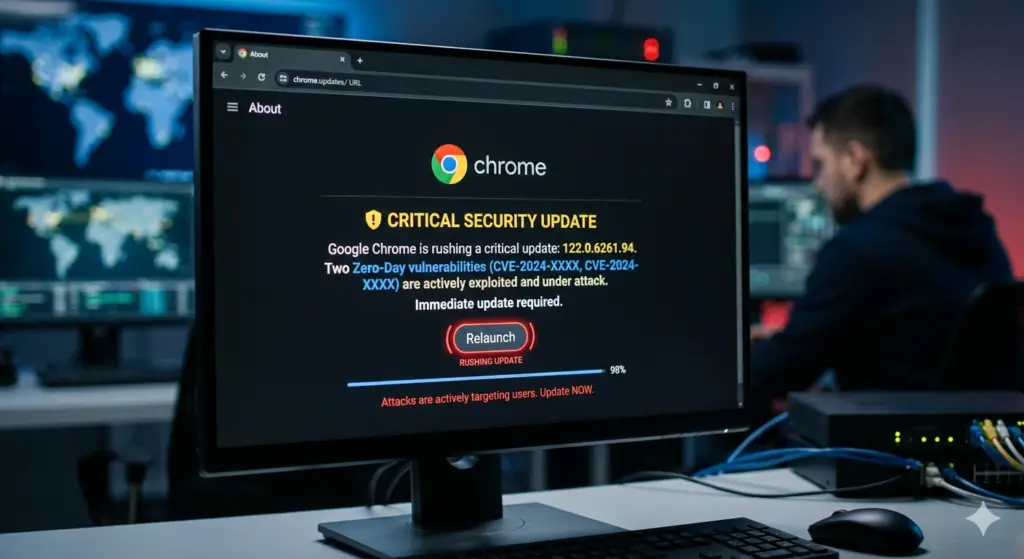
Google has pushed an emergency Chrome update to patch two previously unknown vulnerabilities that attackers were already exploiting before the fixes landed. The bugs, tracked as CVE-2026-3909 and CVE-2026-3910, affect core components of the browser and bring Chrome’s 2026 tally of actively exploited zero-days to three .
Quick Overview
| Detail | Information |
|---|---|
| CVEs | CVE-2026-3909, CVE-2026-3910 |
| Affected Components | Skia graphics library, V8 JavaScript engine |
| Attack Status | Exploits already in the wild |
| Discovered By | Google internally |
| Update Type | Emergency Chrome Stable update |
| Platforms | Windows, macOS, Linux |
| Related Bug (Jan 2026) | CVE-2026-2441 (CSS handling use-after-free) |
The Two Zero-Day Vulnerabilities
CVE-2026-3909: Skia Graphics Library Flaw
This vulnerability is an out-of-bounds write flaw in Skia, the graphics library Chrome uses to render web content and parts of its user interface . Memory corruption bugs like this can sometimes be abused by attackers to crash applications or run their own code if successfully exploited.
CVE-2026-3910: V8 JavaScript Engine Issue
The second bug is described as an inappropriate implementation issue in the V8 JavaScript and WebAssembly engine, the part of Chrome responsible for executing scripts on webpages . V8 vulnerabilities are particularly valuable to attackers because they can potentially be triggered by getting a target to visit a malicious or compromised site.
Attack Details Remain Confidential
Google says it is aware that exploits for both vulnerabilities are in the wild, though it hasn’t shared details on how the bugs are being used or who might be behind the attacks .
This silence is fairly typical when zero-days are involved. Vendors tend to hold back technical information to avoid handing exploit developers a blueprint before patches have spread widely .
“Access to bug details and links may be kept restricted until a majority of users are updated with a fix. We will also retain restrictions if the bug exists in a third-party library that other projects similarly depend on, but haven’t yet fixed.”
How to Update Chrome
The fixes are included in the latest Chrome Stable update for Windows, macOS, and Linux, which should roll out automatically over the coming days and weeks .
Manual Update Steps
- Open Chrome
- Go to Settings → About Chrome
- Chrome will automatically check for and download the update
- Click Relaunch to complete installation
Users will need to restart the browser to apply the fixes.
Discovery and Bug Bounty Program
Google says both bugs were discovered in-house, which isn’t always the case . The company also revealed this week that it paid $17 million to 747 security researchers through its Vulnerability Reward Program in 2025 .
Context: Chrome’s 2026 Zero-Day Tally
| CVE | Date | Component | Type |
|---|---|---|---|
| CVE-2026-2441 | January 2026 | CSS handling | Use-after-free |
| CVE-2026-3909 | March 2026 | Skia graphics | Out-of-bounds write |
| CVE-2026-3910 | March 2026 | V8 engine | Inappropriate implementation |
The fixes arrive roughly a month after Google patched another actively exploited Chrome zero-day, CVE-2026-2441, a high-severity use-after-free vulnerability in the browser’s CSS handling that could allow a malicious webpage to execute code inside the browser’s sandbox .
Why You Should Update Now
| Risk | Impact |
|---|---|
| Active Exploitation | Attackers are already using these flaws |
| Code Execution Potential | Memory corruption bugs can lead to full system compromise |
| Drive-by Attacks | V8 flaws can be triggered just by visiting a malicious site |
| No Warning | Users won’t know they’re being targeted |
If your browser is nagging you to restart for an update, this might be a good moment to listen.