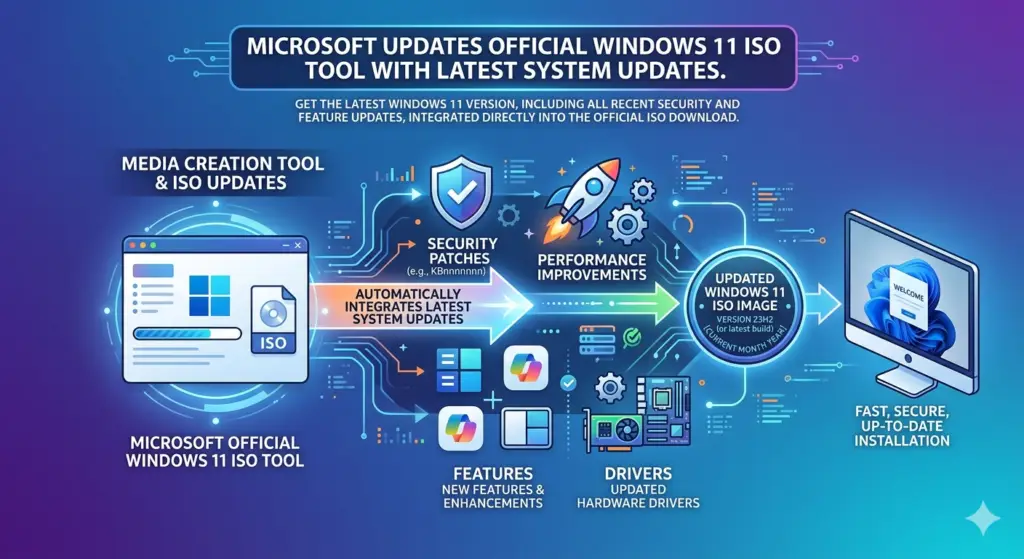
Microsoft has refreshed its official Media Creation Tool (MCT), ensuring users can now download the most up-to-date version of Windows 11 for clean installations. The updated tool includes the March 2026 Patch Tuesday improvements, saving time and bandwidth by eliminating the need to download extensive updates immediately after installation.
Quick Overview
| Detail | Information |
|---|---|
| Tool | Media Creation Tool (MCT) |
| Windows Version | 11 version 25H2 |
| Build Number | 26200.8037 |
| Includes | March 2026 Patch Tuesday updates |
| Update Date | March 13, 2026 |
| Tool Version | Unchanged (only downloaded image updated) |
What Is the Media Creation Tool?
The Media Creation Tool is Microsoft’s official utility for creating bootable Windows installation media or downloading official ISO files . Users can leverage it to:
- Write Windows 11 directly to a USB drive
- Save the operating system as an ISO file for modifications
- Perform clean installations with the latest system build
- Create recovery media
Advanced users often use the ISO option to modify installation requirements, such as skipping the mandatory Microsoft Account, removing TPM and Secure Boot requirements, or disabling default BitLocker encryption .
What’s New in This Update
Latest Windows 11 Build
With the latest refresh, the Media Creation Tool now downloads Windows 11 version 25H2, build 26200.8037, which corresponds to the March 2026 Patch Tuesday update . This build includes all security fixes and improvements released on March 10, 2026 .
Security Content
The March 2026 cumulative updates (KB5079473 and KB5078883) addressed 79 security vulnerabilities, including:
- 2 zero-day vulnerabilities
- 46 privilege escalation flaws
- 18 remote code execution vulnerabilities
- 10 information disclosure bugs
- 4 denial of service issues
- 4 spoofing vulnerabilities
- 2 security feature bypasses
Tool Version Remains Unchanged
While the downloaded Windows build has been updated, the Media Creation Tool application itself has not received a new version number . The only change is that it now pulls a more recent Windows 11 image from Microsoft’s servers. Users can verify the tool’s version by checking Properties > Details.
Microsoft’s New Update Cadence
Microsoft has adjusted its update strategy for the Media Creation Tool. Previously, MCT images often lagged behind the latest version by a month or more, forcing users to download numerous patches after completing a clean installation .
Now, Microsoft updates the tool monthly, just a few days after releasing Patch Tuesday updates . This ensures users always have access to the latest Windows 11 build, making clean installations more efficient with no need to spend time downloading additional updates afterward .
Benefits for Users
| Benefit | Description |
|---|---|
| Time Savings | Clean installations start with the latest build, eliminating post-install update downloads |
| Bandwidth Efficiency | No need to download hundreds of MB or GB of updates after setup |
| Security | Fresh installations include the latest security patches immediately |
| Convenience | One tool handles both USB creation and ISO downloads |
How to Get the Updated Version
Option 1: Media Creation Tool
You can download the Media Creation Tool from the official Microsoft website using the link below. The tool itself remains on its previous version, but it will download the latest Windows 11 build .
Download Link: Official Microsoft Media Creation Tool
Option 2: Direct ISO Download
Alternatively, Microsoft lets you download Windows 11 ISO files directly from the official Windows 11 website. However, you will need a third-party application like Rufus to write it to a USB drive .
Important Notes
“Vanilla Experience”
When you install Windows using the Media Creation Tool, you get the official “vanilla experience” . This means the installation:
- Retains all Microsoft’s preset restrictions
- Requires a Microsoft account (in most editions)
- Enforces hardware compatibility checks (TPM, Secure Boot)
- Enables BitLocker encryption by default on compatible hardware
Users who wish to bypass these requirements must modify the ISO file or use third-party tools after downloading.
In-Place Repairs
The updated ISO can also be used for in-place repairs. If your Windows installation is experiencing issues, you can mount the ISO and run setup.exe while selecting “Keep personal files and apps” . This repairs system files without deleting your data.